From dashboards to Gantt charts, from conflict detection to Planview sync — Flightplan gives your team the tools to plan smarter, not harder.
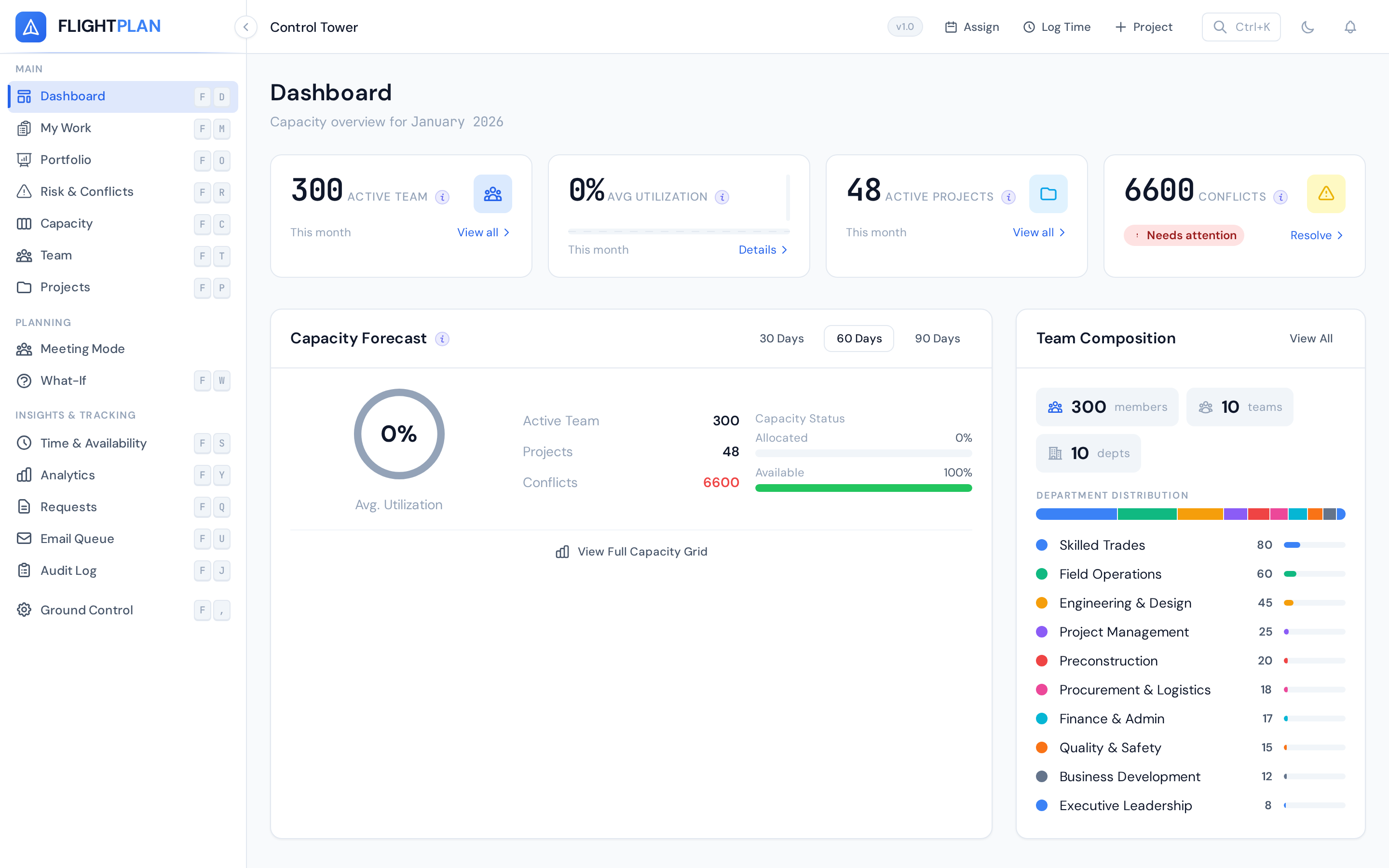
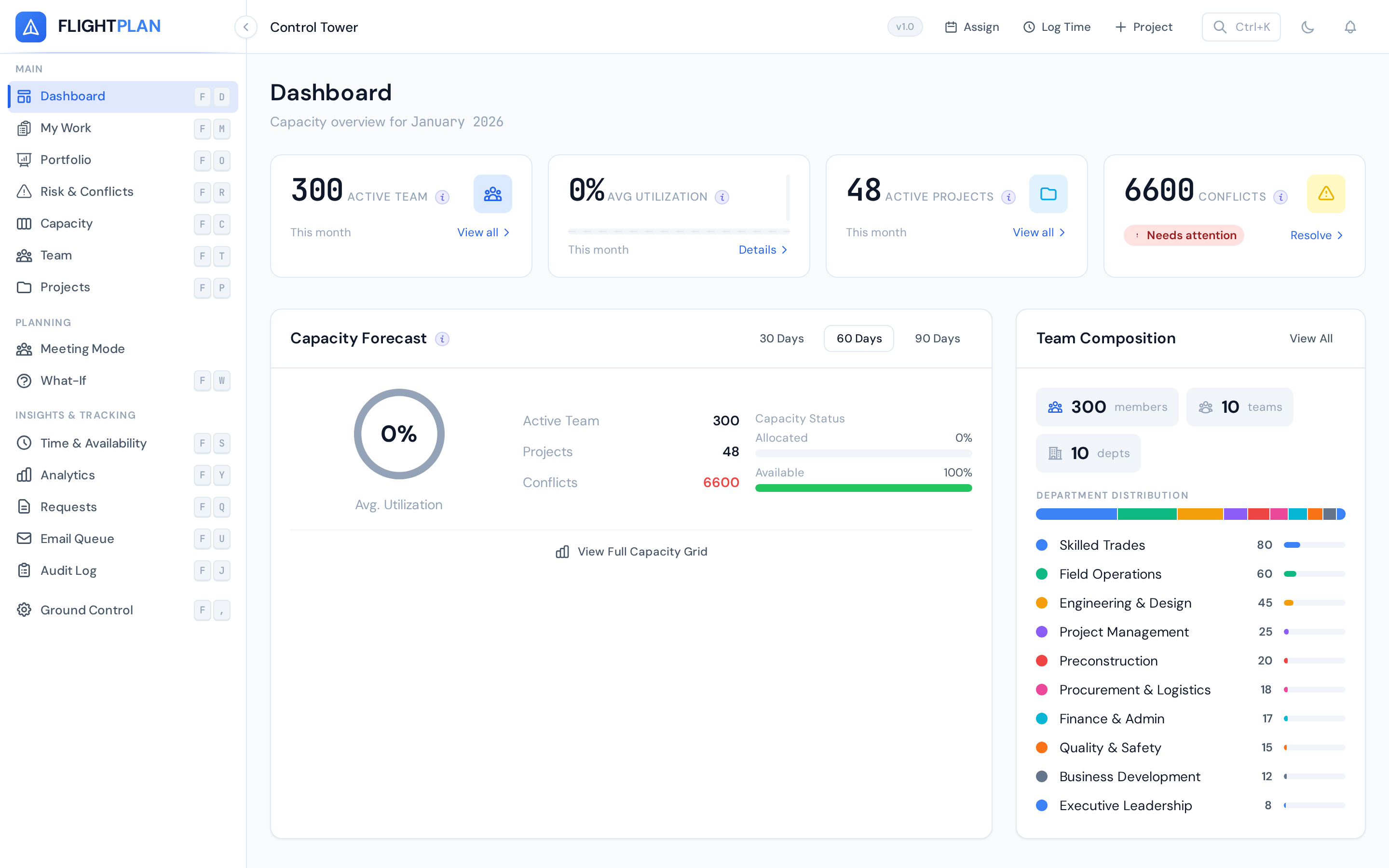
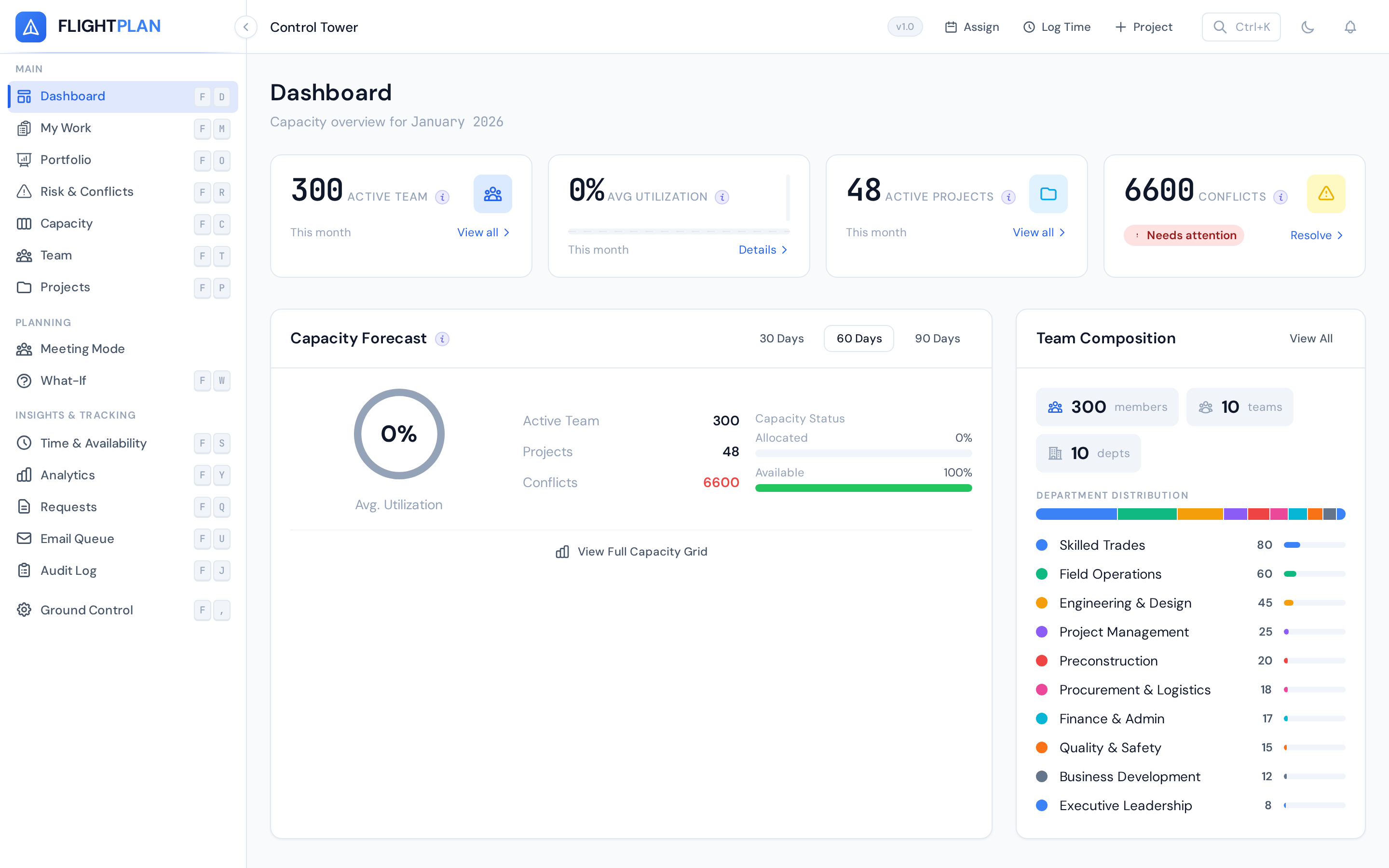
The dashboard gives you an instant read on your entire operation. Active projects, team utilization, upcoming deadlines, and scheduling conflicts — all on one screen.
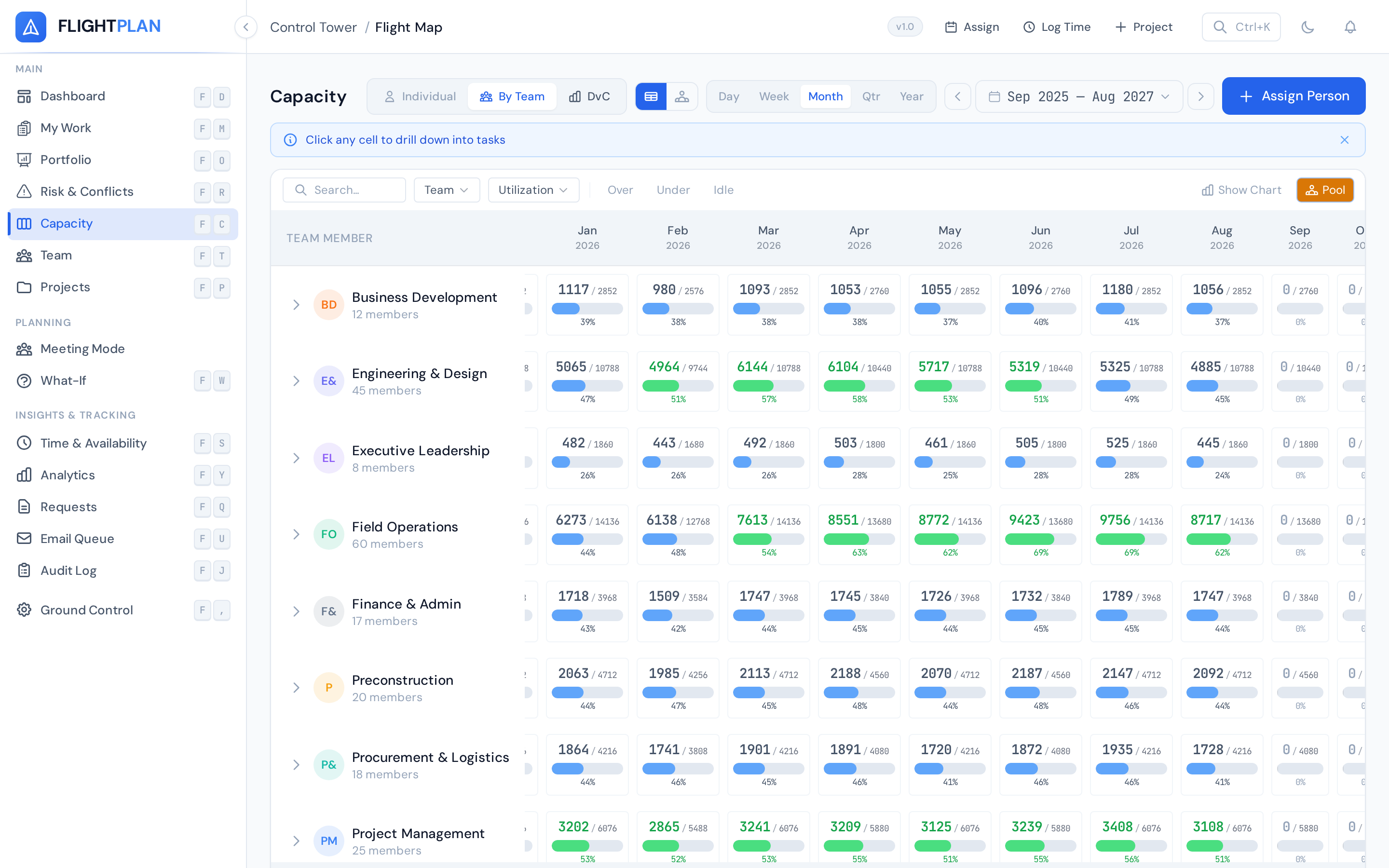
A heatmap-style grid showing every resource's daily allocation. See who's overbooked, who has bandwidth, and where the gaps are — without opening a single spreadsheet.
Manage people, contractors, and equipment in one place. Every resource has a skills profile, availability calendar, and allocation history.
Tag resources with skills and certifications. Filter by proficiency when staffing projects — find every PMP-certified engineer in seconds.
Need 40 hours of design capacity next month? The availability finder instantly shows who has bandwidth, sorted by skill match.
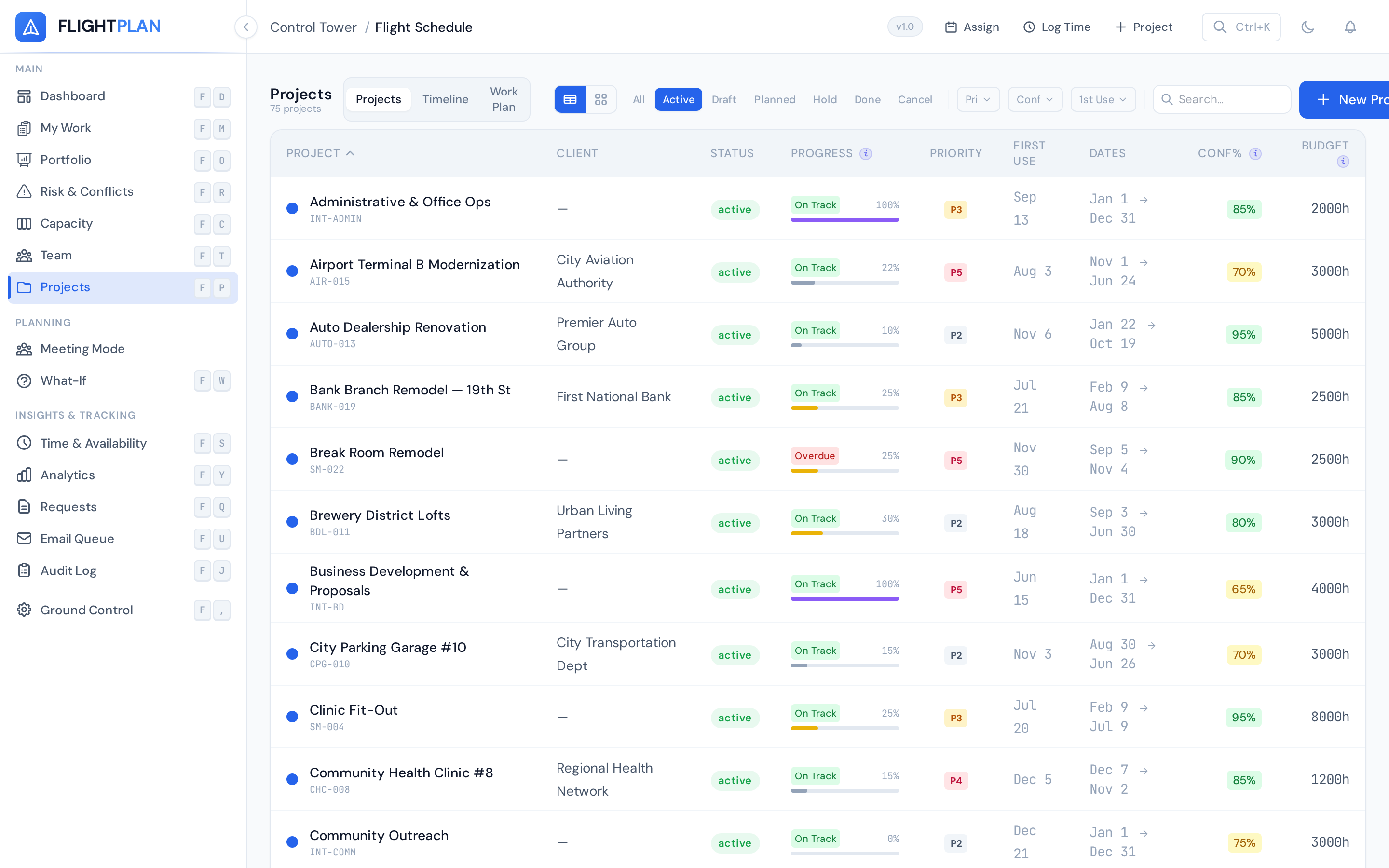
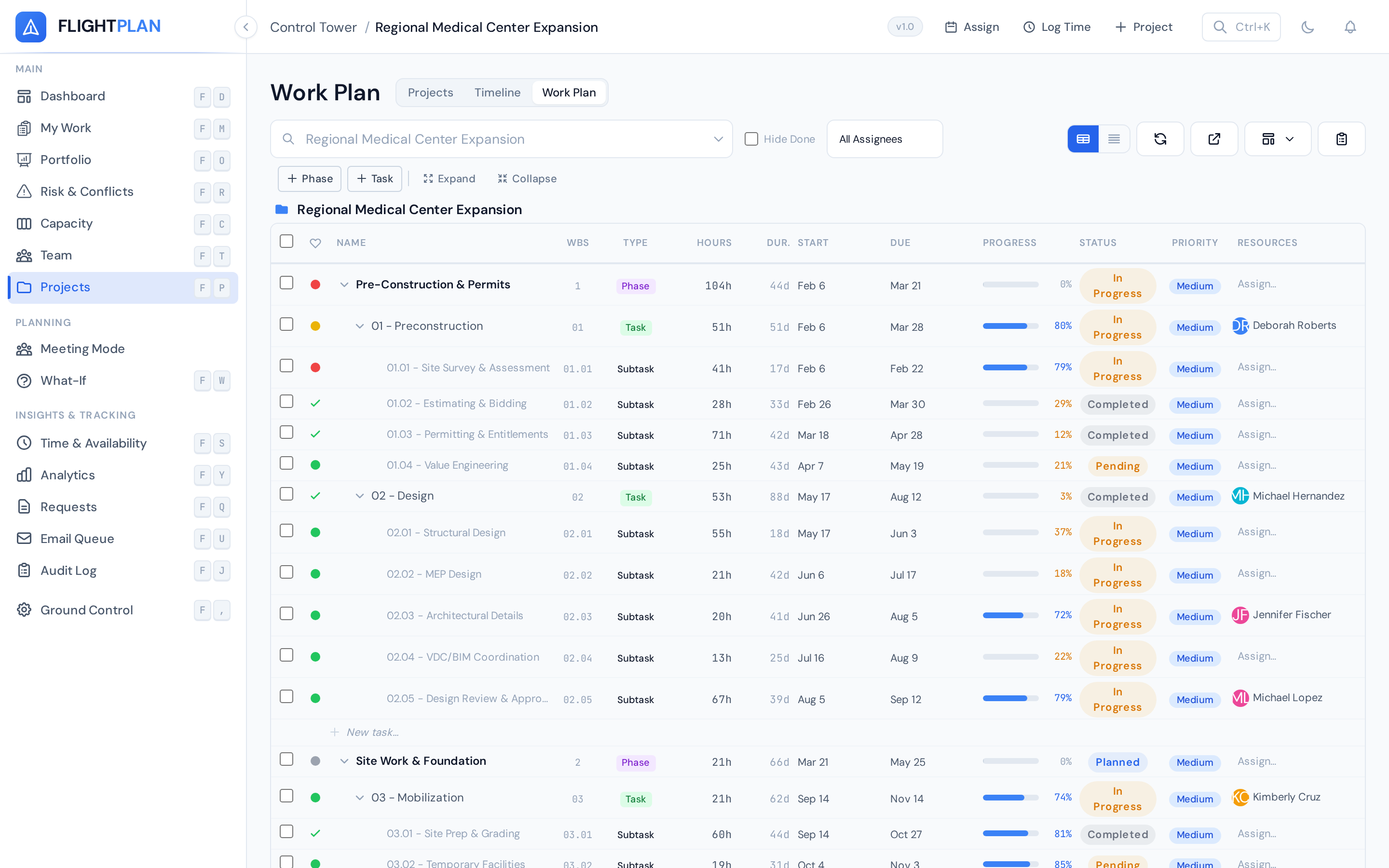
Create projects, define phases, set budgets, and track progress. Every project shows hours logged vs. budget, allocated resources, and milestone status.
Visualize project timelines, dependencies, and progress. Gantt charts update in real time as allocations change, so your timeline always reflects reality.
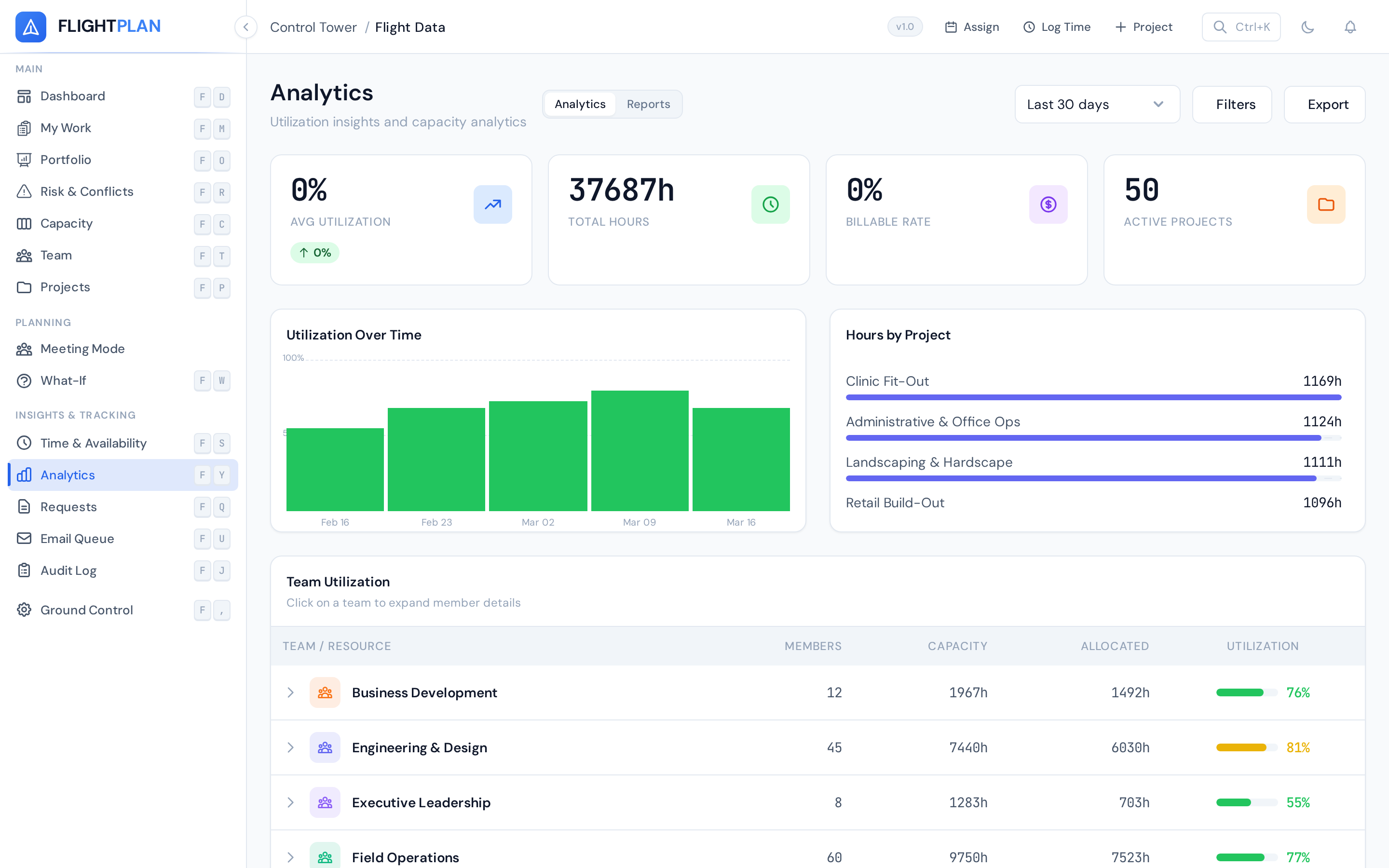
Real-time analytics across utilization, timesheets, and project health. Generate reports in seconds that used to take your PMO hours to compile.
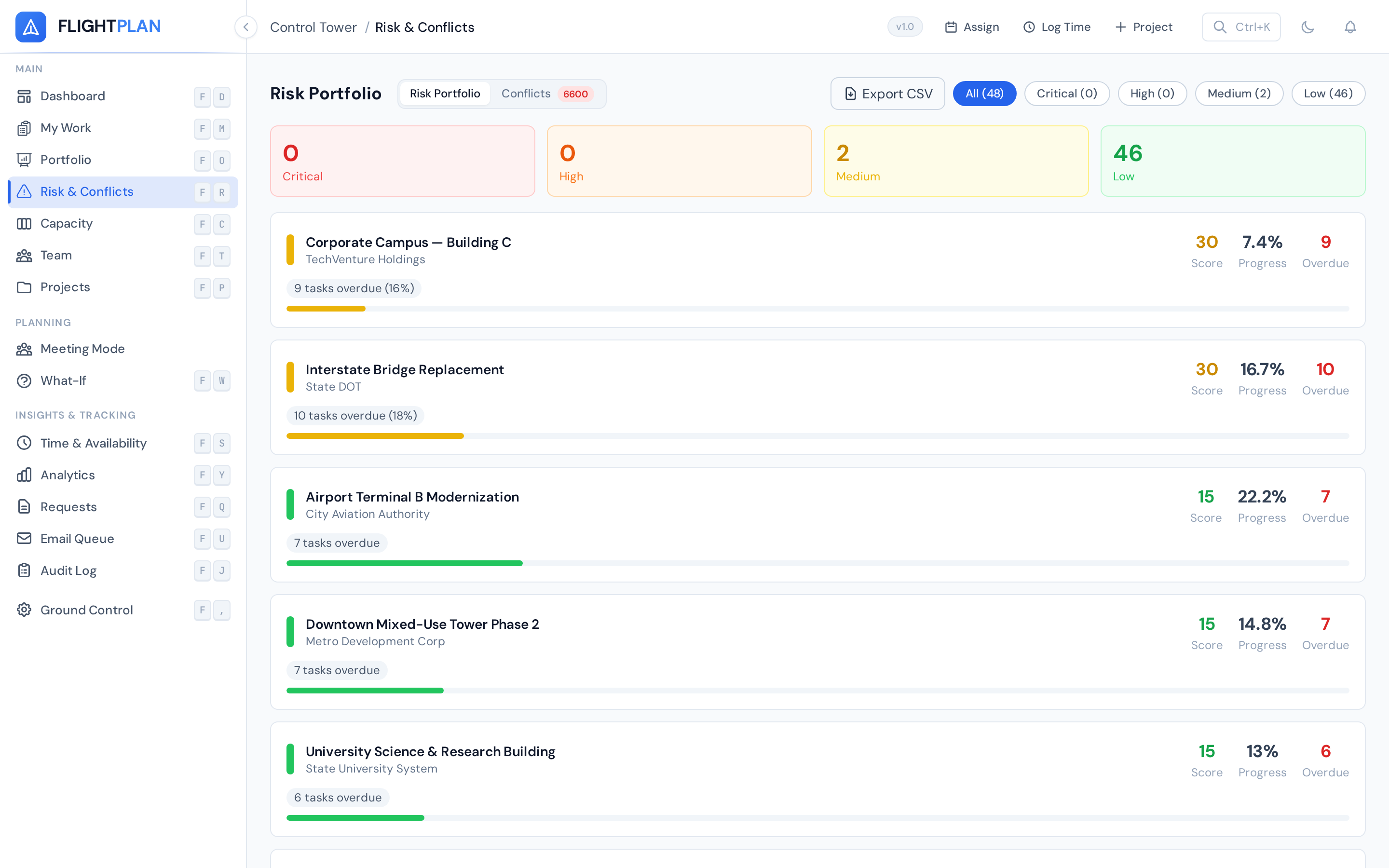
Flightplan continuously scans all allocations for conflicts. Over-booked resources, double-assigned days, and capacity breaches are flagged the instant they happen.
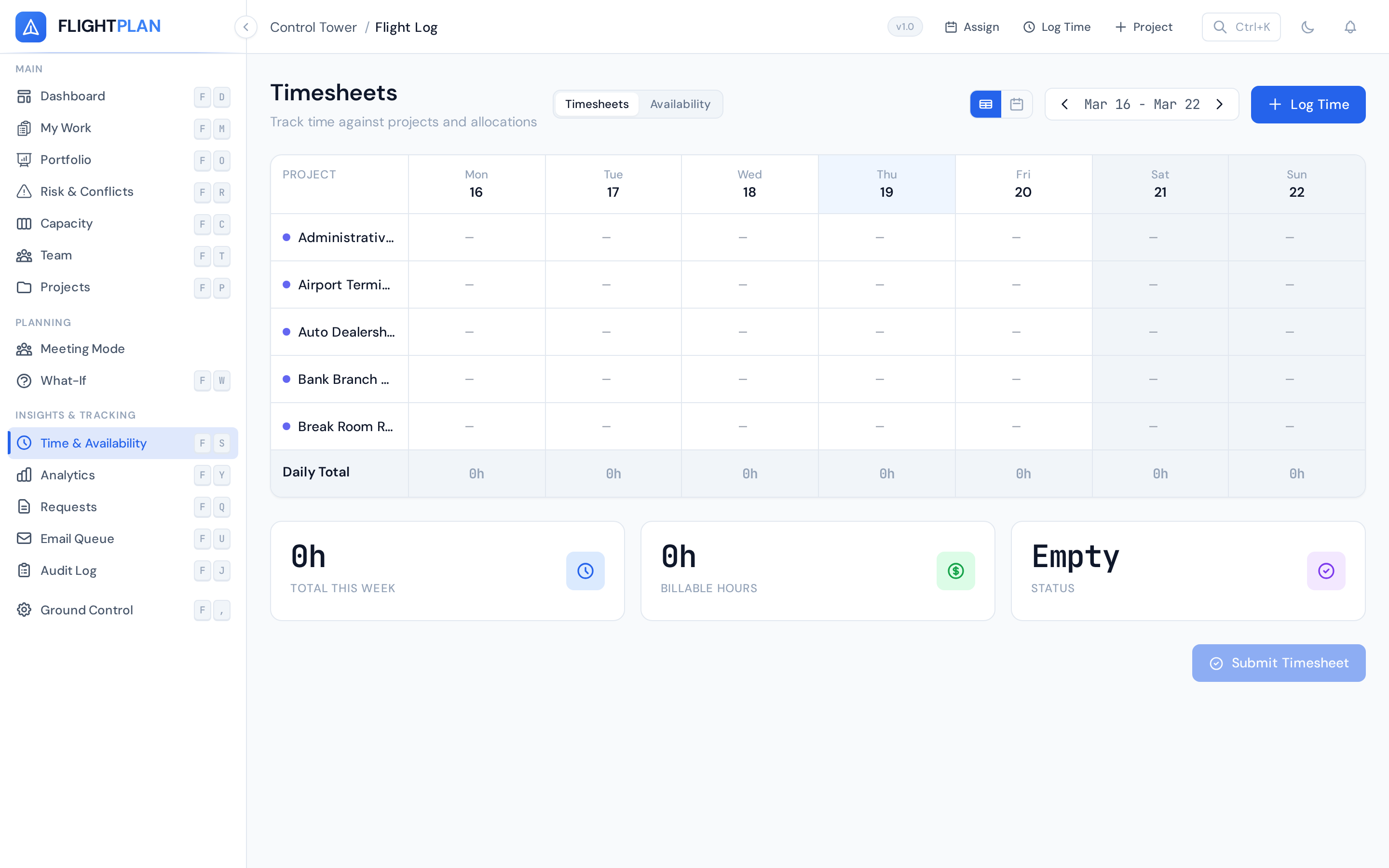
Simple timesheet entry against projects. Billable vs. non-billable tracking, approval workflows, and real-time budget burn comparisons.
Model hypothetical changes without touching live data. What if we add 3 contractors? What if a key person leaves? See the capacity impact before making the call.
Reach every team member where they work. Flightplan sends notifications across six channels, so nobody misses a schedule change.
Rich HTML notifications with allocation details and one-click actions.
Webhook notifications to any channel or DMs via Slack Bot integration.
Adaptive cards and Bot DMs for Teams-first organizations.
Critical alerts via text message for urgent schedule changes and conflicts.
Real-time notification feed inside the Flightplan dashboard.
Custom HTTP webhooks for building your own notification pipelines.
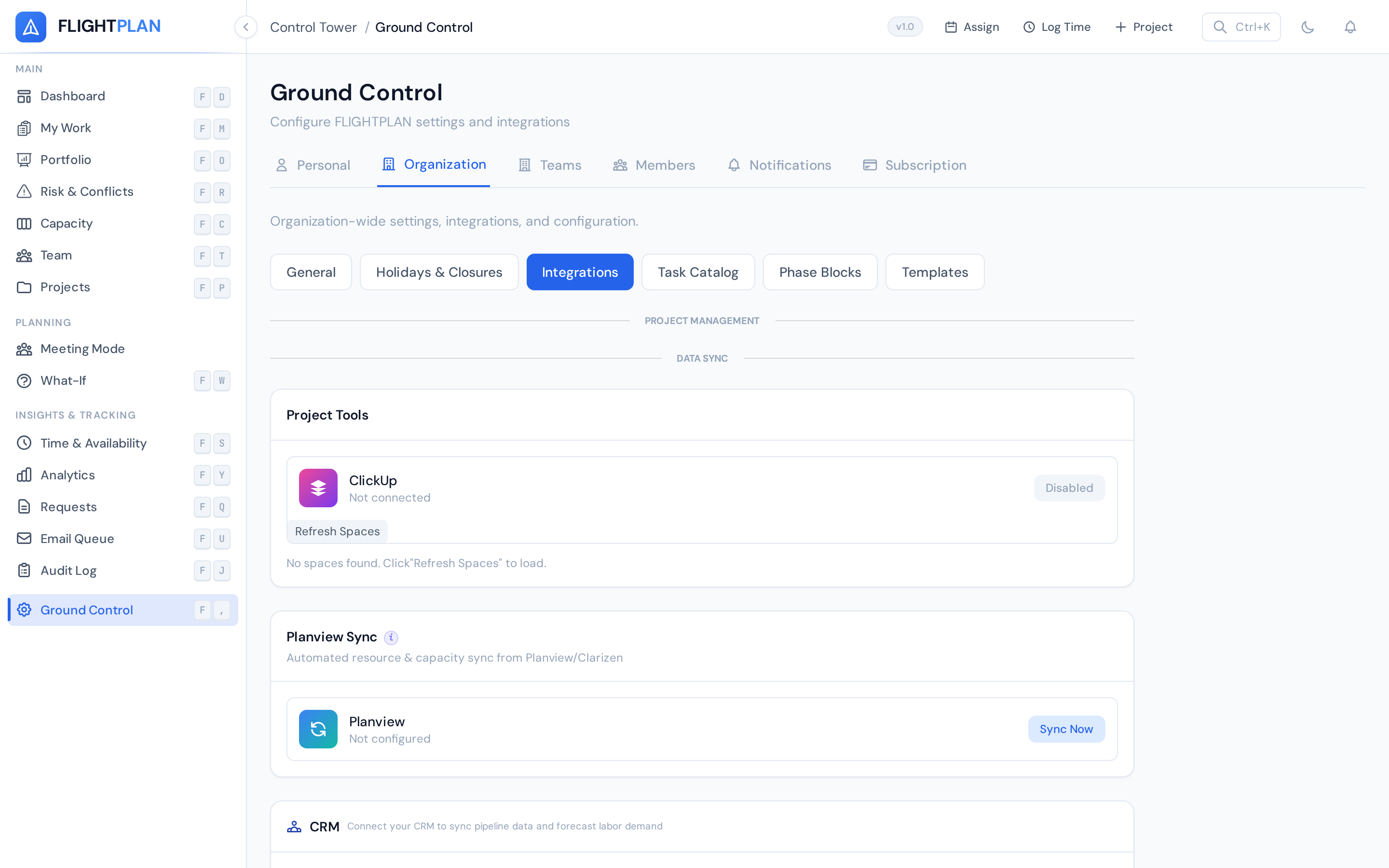
Import from Planview, sync with ClickUp, or build custom integrations with 200+ REST and MCP API endpoints.
One-click import and hourly auto-sync from Planview. Resources, projects, and allocations stay in lockstep. No duplicate records, no data loss.
Bi-directional sync between Flightplan allocations and ClickUp tasks. Your PMs work in ClickUp while capacity stays accurate in Flightplan.
Full API-first architecture. Every feature in Flightplan is accessible programmatically. Build custom dashboards, automate workflows, or integrate with any tool.
AI-native integration via Model Context Protocol. Let LLMs query capacity, create allocations, and manage resources through natural language.
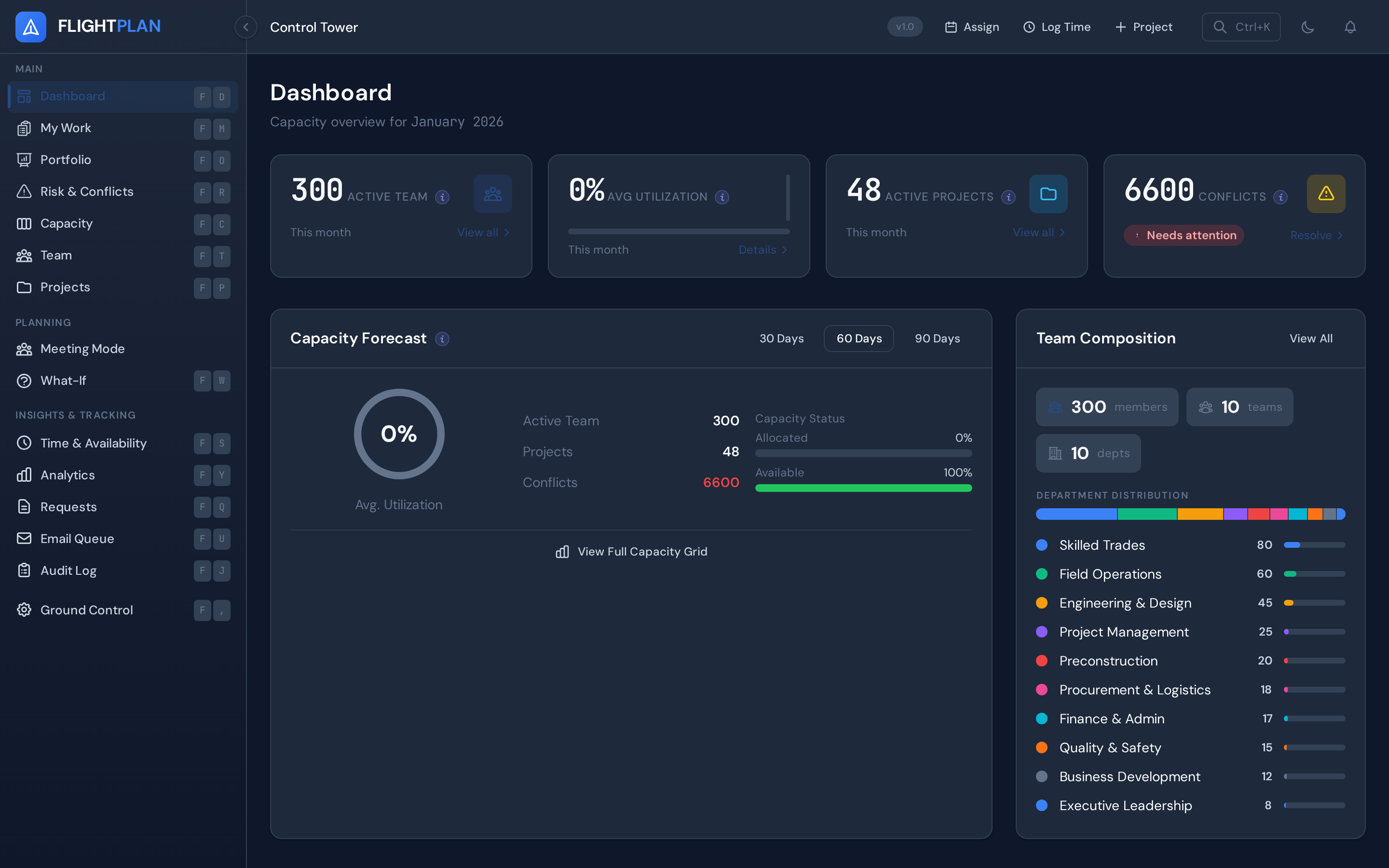
Full native dark mode across every screen. Not a filter, not an afterthought — purpose-built for both environments.
Beyond the headline features, Flightplan includes everything a modern resource planning tool needs.
Owner, Admin, and Member roles with granular permissions. Org admins control access to billing, settings, and user management.
Not just people. Track vehicles, rooms, tools, and any physical resource with the same allocation system.
Categorized billing codes for time entries. Map hours to cost centers, contracts, or internal accounts.
Formal request and approval workflow for resource allocations. PMs submit, managers approve, and everything is auditable.
Save project structures as templates. New projects start with pre-configured phases, work items, and standard allocations.
Every change tracked. Who allocated whom, when projects were modified, and what settings changed — all searchable.
Give clients a premium, branded view of their project. A single link or NFC card tap reveals progress, timelines, photos, and team info — no login required.
Cover photo with gradient overlay, client logo, and project title. Promote any project photo with one click.
Animated SVG ring shows overall completion at a glance. Phases and tasks broken down below.
Visual phase progression with status indicators and progress bars. Clients see exactly where their project stands.
Avatar grid of assigned team members with roles. Clients know exactly who is working on their project.
Project photos in a responsive grid. Clients see real progress, not just percentages.
Physical NTAG216 cards that link to portals. Design and print branded cards from Ground Control. Clients tap to view.
Claude and Grok AI integrations power project insights, risk analysis, and natural-language queries across your workforce data via the MCP API.
56 tools accessible via the Model Context Protocol. Ask questions about capacity, conflicts, utilization, and project health in natural language.
AI analyzes allocation patterns, predicts bottlenecks, and suggests optimal resource assignments before problems arise.
Bidirectional sync pushes projects and tasks to ClickUp and receives updates back in real time via webhooks.
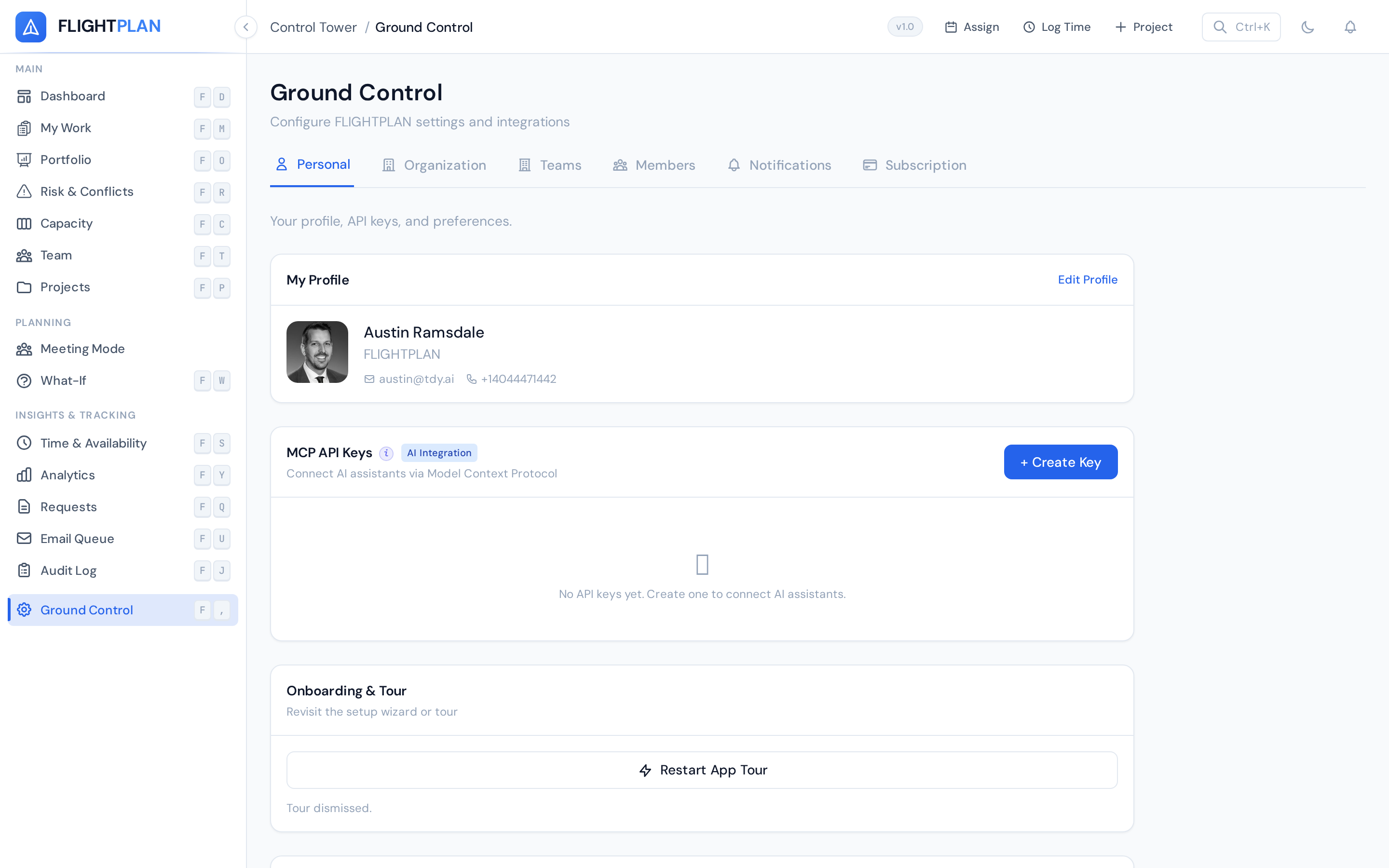
Generate scoped API keys with preset permission levels (full, read-only, capacity-only) and device fingerprint enforcement.
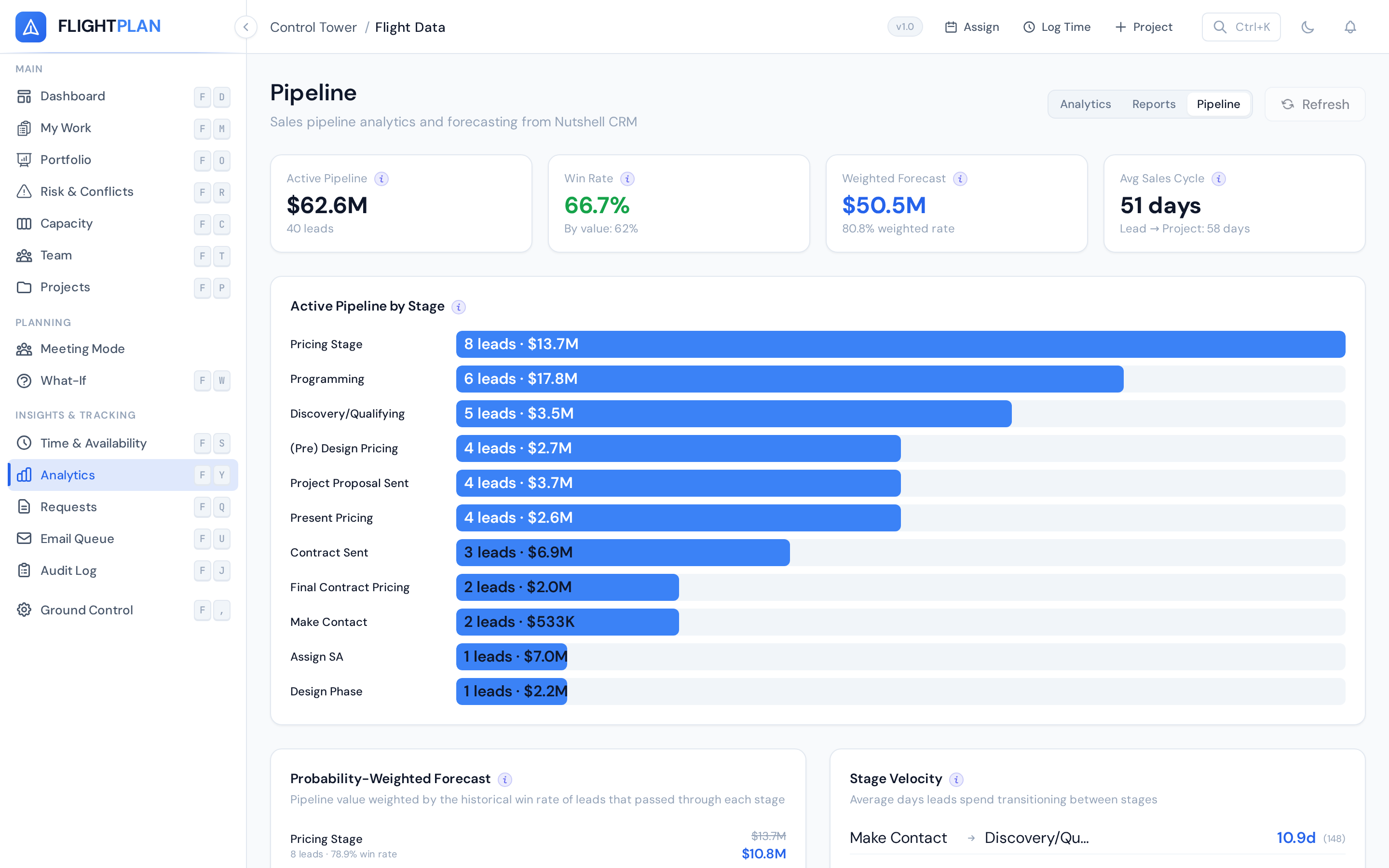
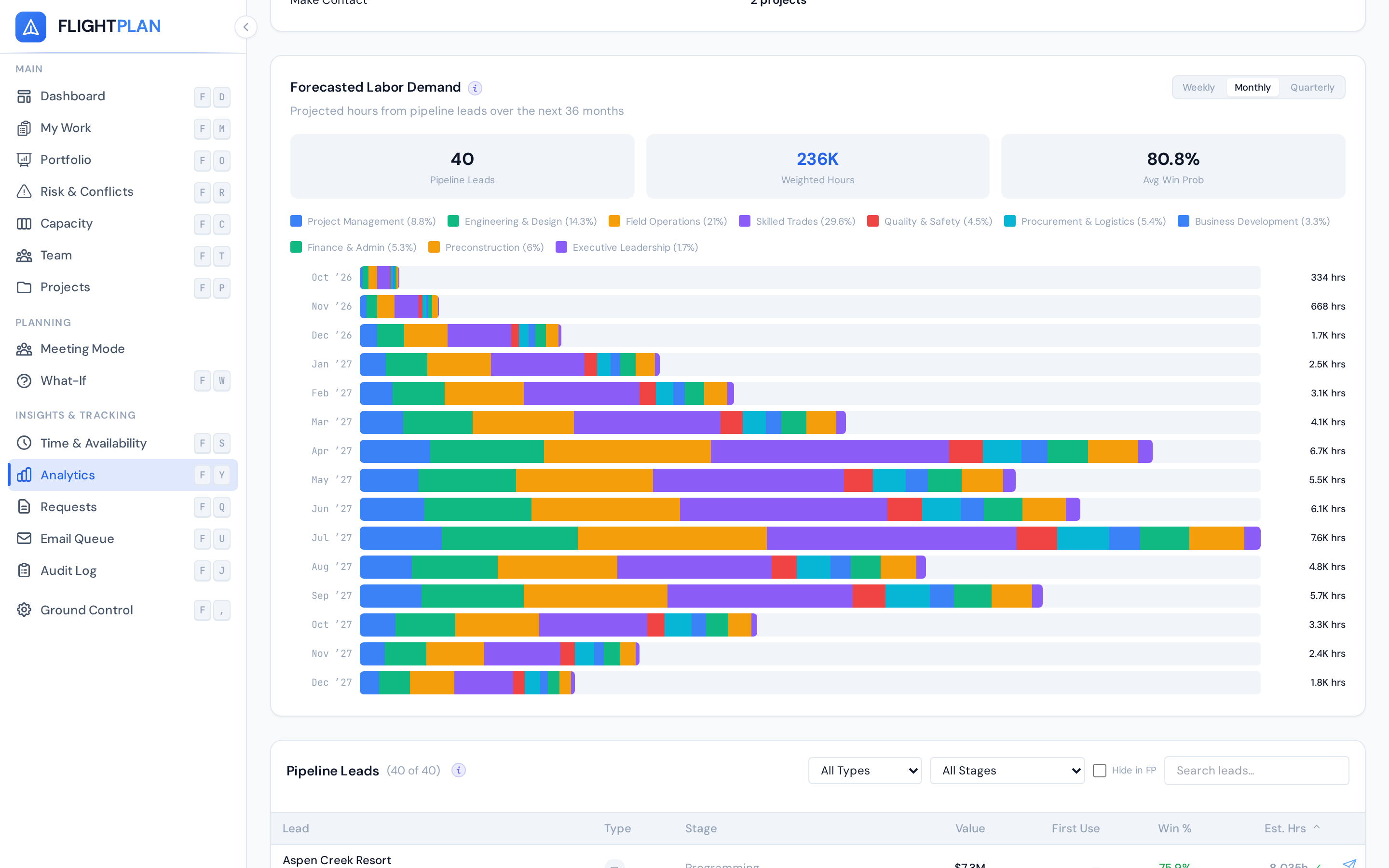
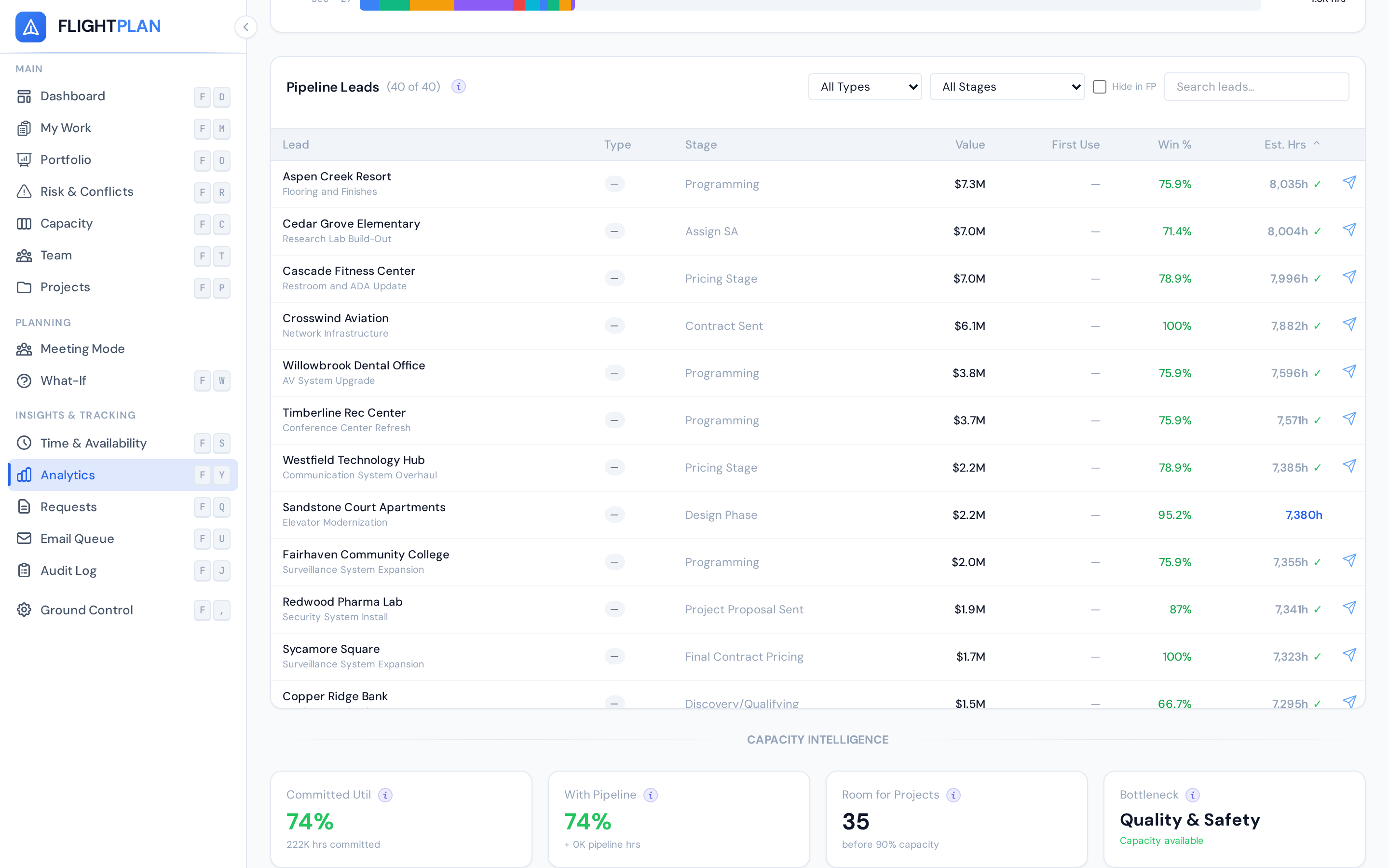
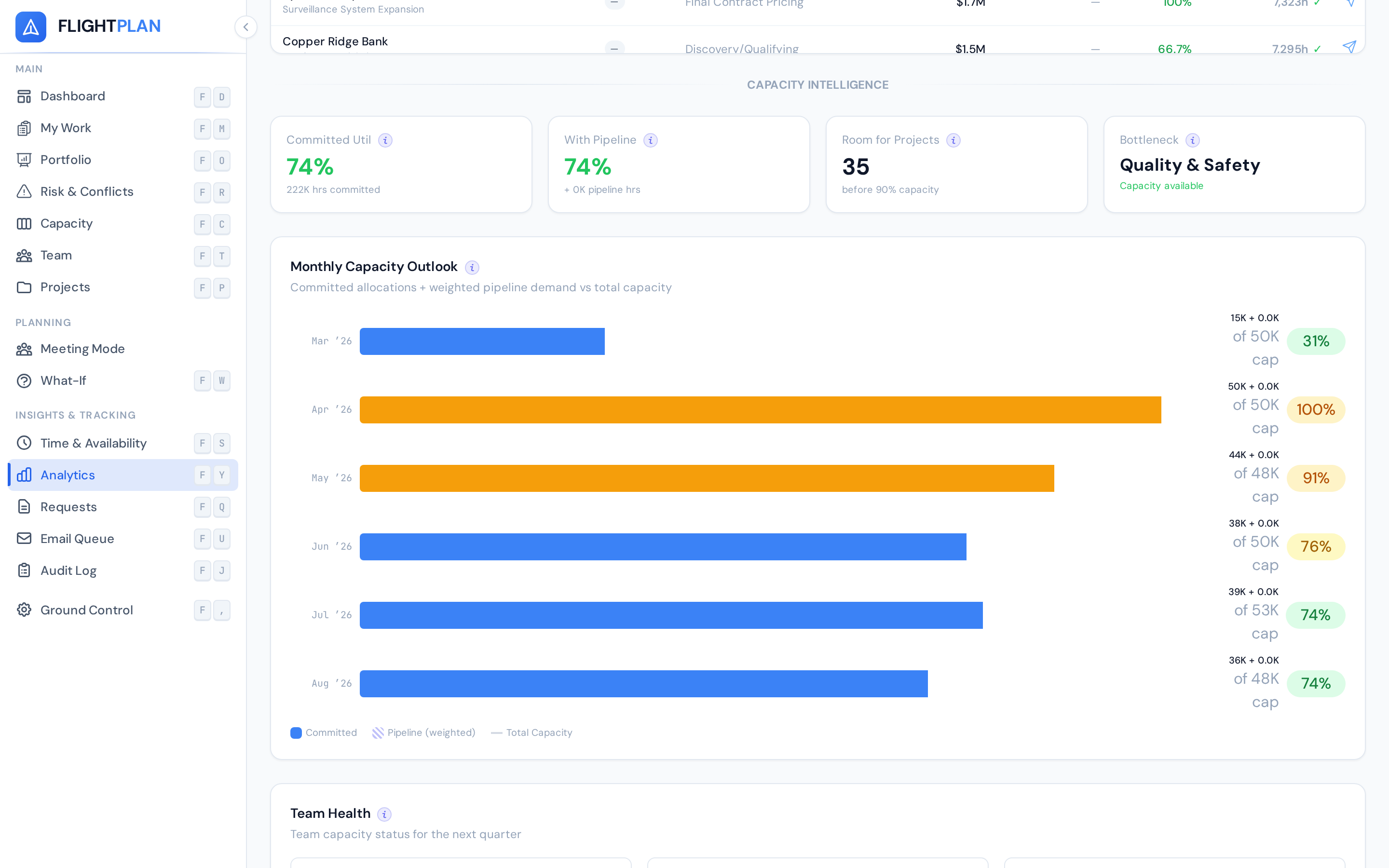
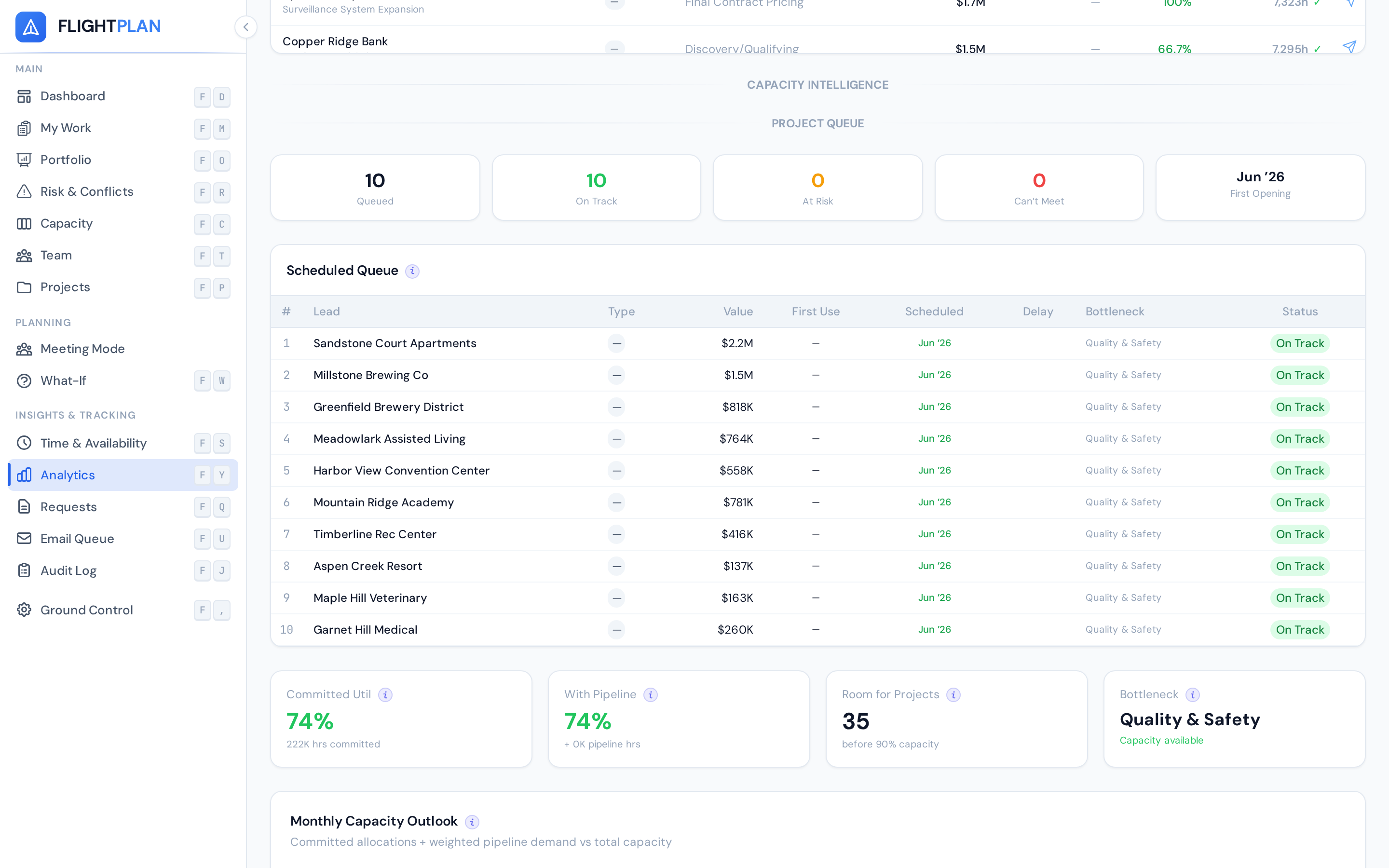
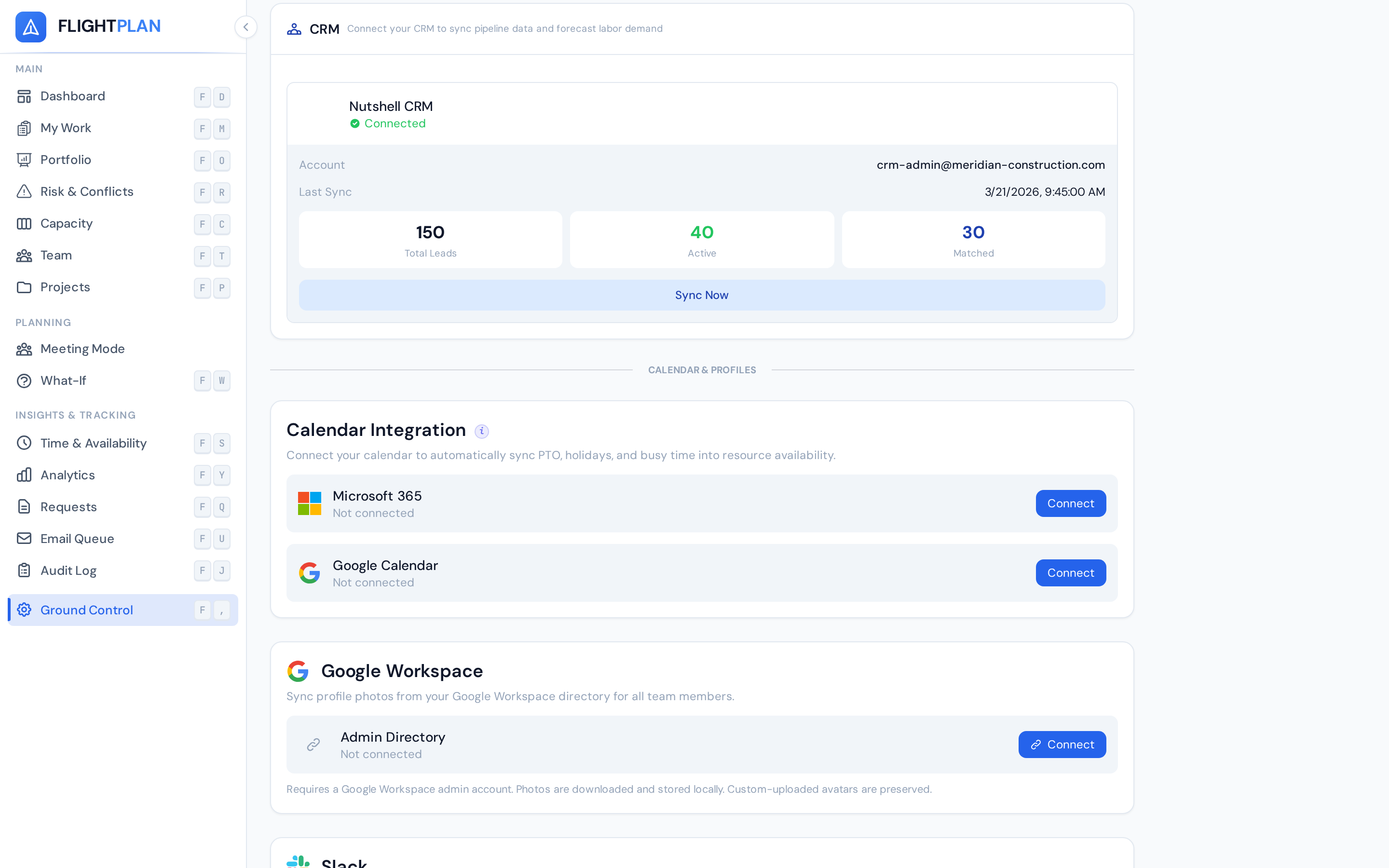
Turn your CRM pipeline into a workforce planning signal. Flightplan pulls live lead data, applies probability-weighted forecasting, and projects labor demand months into the future — so you can hire ahead of the curve.
Connect your CRM in Ground Control and Flightplan automatically syncs your pipeline. Leads flow into capacity forecasts, labor projections, and queue scheduling — no spreadsheets, no double entry.
Try the interactive demo with real data, or talk to our team about your capacity planning needs.
Or email us at hello@tdy.ai